Imagine your enterprise software understanding a simple voice command like, “Generate last quarter’s financial report,” and instantly responding with precise data on your screen. That’s not science fiction, it’s the future of enterprise interaction powered by Voice User Interface (VUI).Voice doesn’t just make business tools more human; it makes them faster, smarter, and accessible to a workforce that’s increasingly on the move.
The strategic imperative
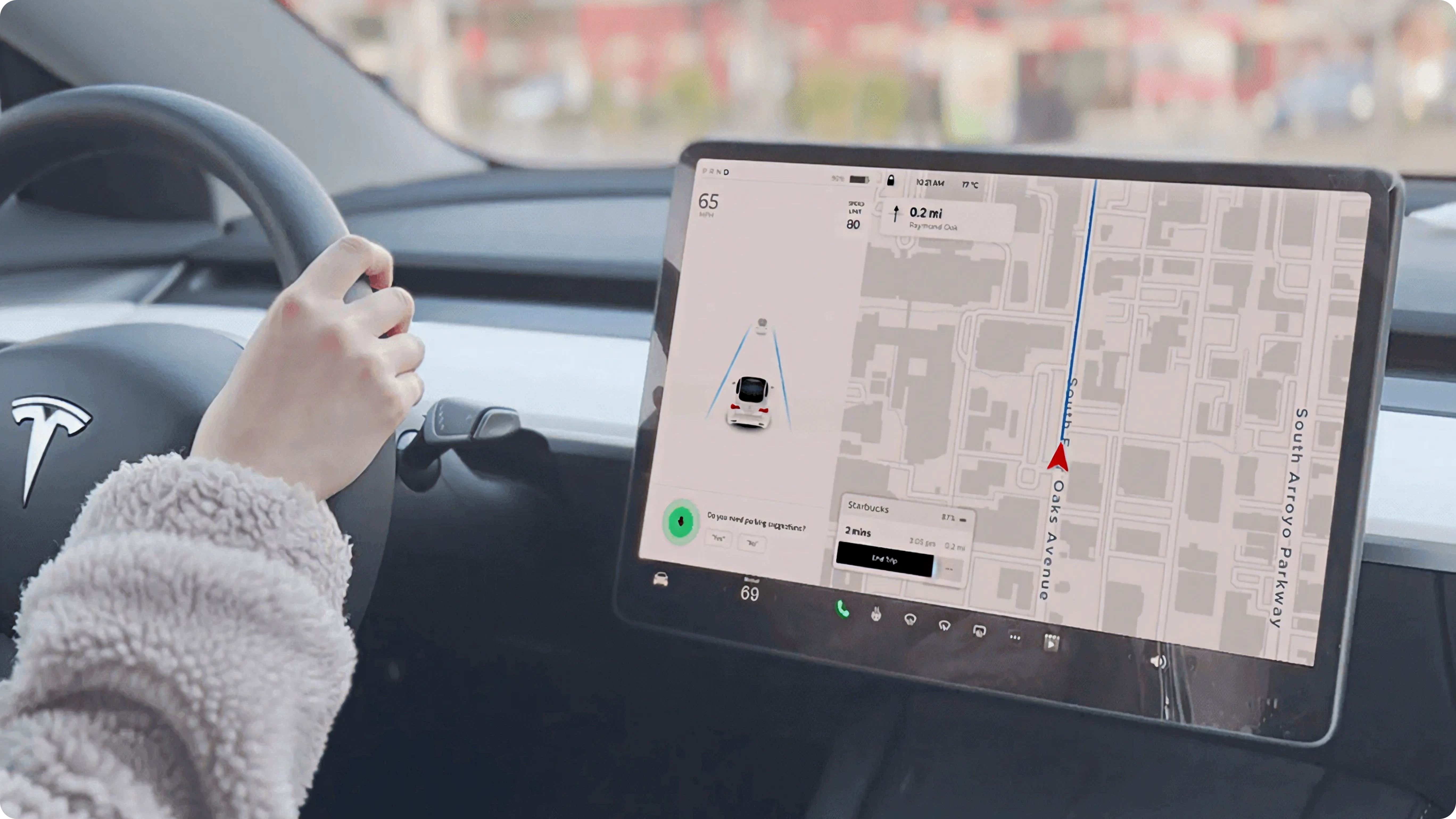
What is voice UI
Voice UI (Voice User Interface) allows users to interact with software through speech instead of clicks, taps, or typing. In enterprise settings, this means your employees can access reports, manage operations, or check analytics using simple voice commands.By 2026, voice-enabled enterprise platforms will be as common as chatbots are today, boosted by AI, Natural Language Processing (NLP), and Machine Learning (ML). Instead of learning how to use a system, your system learns to understand you.The technology behind Voice UI relies on:
Automatic Speech Recognition (ASR), which converts speech to text
Natural Language Understanding (NLU), which interprets intent and meaning
Text-to-Speech (TTS), which delivers system feedback audibly
Together, these components create smoother, more intuitive human-machine conversations.
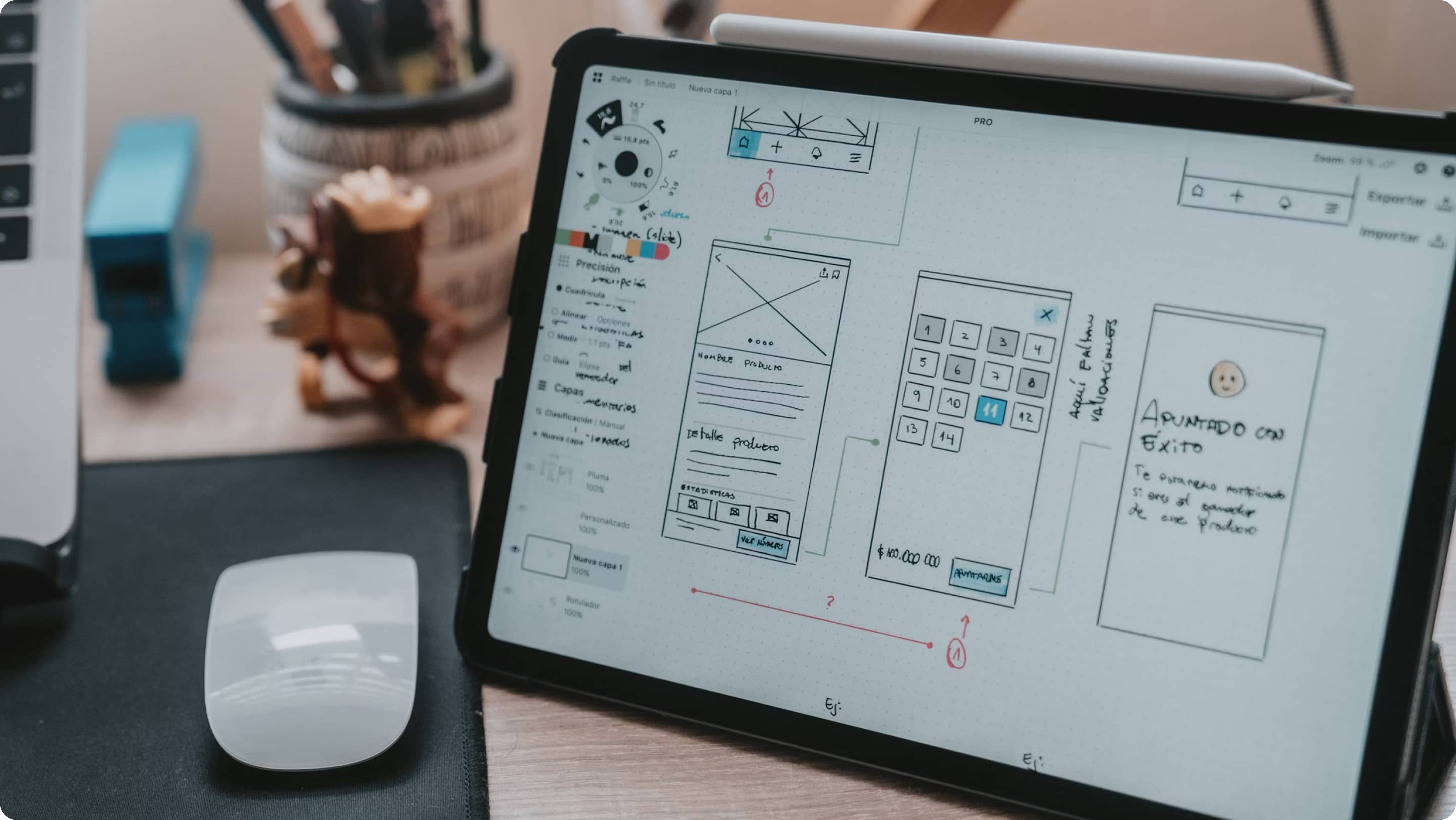
Enterprise software has traditionally been powerful but sometimes intimidating for non-technical users. Voice UI solves that by blending usability with intelligence.In a data-driven workplace, time is gold. Voice commands help reduce manual searching, form filling, or navigation. Instead of spending minutes finding a report, a manager can simply ask, “Show me sales by region for August.”Voice-driven systems are especially valuable in:
Manufacturing where hands-free operations keep workflows safe and efficient
Healthcare where clinicians can access patient records while staying sterile
Field Services, where on-site staff update tasks without typing
Customer Support where AI-powered voice bots handle repetitive queries
By 2026, integrating Conversational AI into enterprise platforms will no longer be a luxury; it will be the standard for frictionless productivity.
Benefits of integrating voice UI for businesses
Enhanced EfficiencyRoutine actions become instant. Employees spend less time navigating menus and more time on decision-making.
Accessibility and InclusivityVoice interfaces empower users who may struggle with keyboards, small screens, or complex GUIs.
Smarter Decision MakingWhen combined with AI and analytics, voice UIs deliver spoken insights like, “Your weekly performance rose by 18%.”
Reduced Training TimeNew hires can operate complex enterprise tools using natural speech rather than memorizing endless options and icons.
Multi-Device ConsistencyVoice experiences unify desktops, mobile apps, and wearables into one synchronized, human-centric experience.
Common challenges in voice UI integration
While Voice UI offers tremendous potential, integration into custom enterprise software requires careful planning and execution.
Data Security and Privacy:Voice data must be encrypted and compliant with enterprise-level security policies.
Ambient Noise Handling:Workplace acoustics can impact recognition accuracy.
Cross-platform Compatibility:Voice systems must understand ongoing conversations, not just isolated commands.
User Adoption:Integration should work seamlessly with existing ERP, CRM, and BI systems.
User Adoption:Employees may need time and trust to embrace conversational interactions.
Solving these challenges requires a strategic approach guided by data, UX research, and intelligent system design.
The 2026 roadmap to seamless voice-driven experiences
To successfully integrate Voice UI into enterprise systems, follow this five-phase roadmap:
Discovery and Feasibility Analysis: Identify where voice adds the most value, such as data retrieval, task management, reporting, or customer interactions.
Architecture Planning: Design integration layers using APIs and cloud voice services like Google Dialogflow, Amazon Lex, or Microsoft Azure Cognitive Services.
AI, NLP, and ML Enablement: Train engines to understand domain-specific vocabulary and enterprise jargon. This ensures the AI grows smarter with use.
UX Design and Prototyping: Create intuitive conversational flows using multilingual, culturally aware voice personas. Ensure your Voice UI feels natural, not robotic.
Testing, Optimization, and Rollout: Test across environments such as noisy offices, remote devices, and different accents. Deploy gradually with feedback loops and user analytics.
By 2026, this roadmap will be crucial for businesses aiming to merge voice intelligence with enterprise agility.
Best practices to build custom voice interfaces
Prioritize Context Awareness: Enable systems to remember previous user inputs and state transitions.
Integrate Multimodal Interactions: Combine voice with touch or visuals for flexible user control.
Optimize for Privacy: Keep wake words, recordings, and personal data within secure enterprise boundaries.
Design for Error Recovery: Voice systems should gracefully handle misinterpretations and guide users clearly.
Continuously Learn and Update: Use ML-driven feedback loops to refine accuracy and naturalness over time.
Voice UI isn’t just about talking systems; it’s about intelligent responsiveness that makes daily tasks smart, swift, and satisfying.
Conclusion
Voice UI is no longer futuristic; it’s the next logical step in the evolution of enterprise software. By bringing conversation intelligence into your custom solutions, you’re not just upgrading technology; you’re reinventing how your people interact with information.Organizations that start integrating voice now will lead in 2026, offering employees and customers an effortless, hands-free, and deeply personalized experience.At its core, Voice UI integration is about making technology more human so your business can move faster, smarter, and with genuine ease.Schedule a complimentary AI Transparency Architecture Consultation with our Principal Designer and see how transparent intelligence can transform your enterprise UX for 2026 and beyond.











 AI & ML


